Version:
1.x-1.0.1
B21
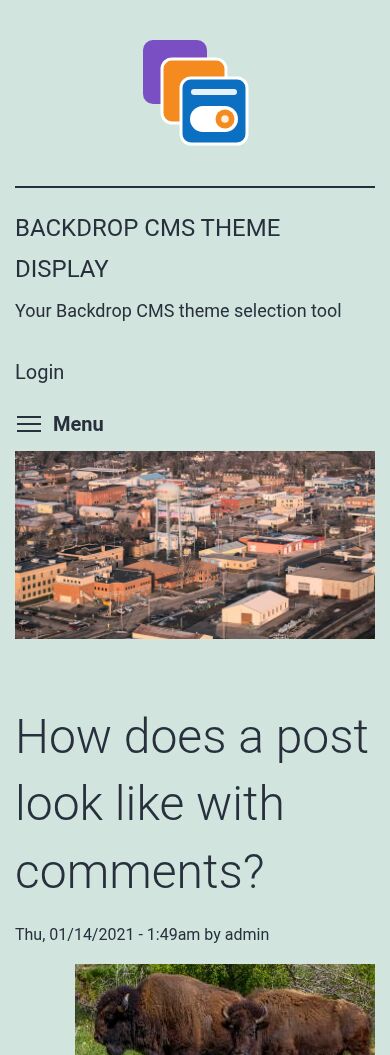
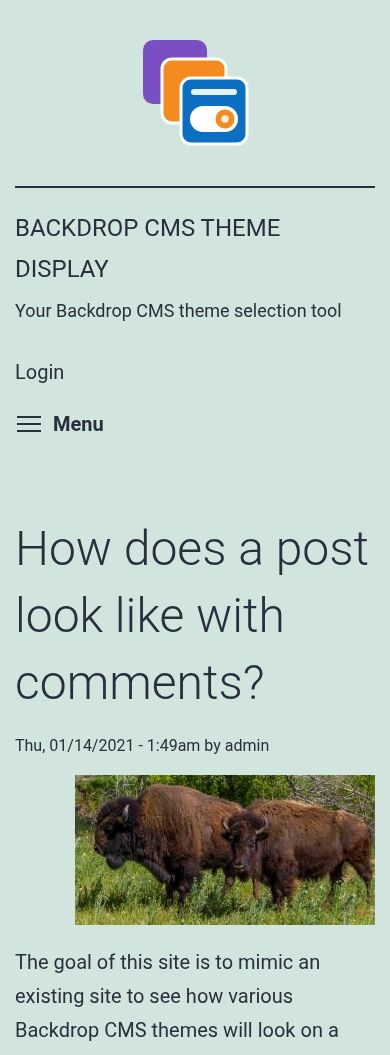
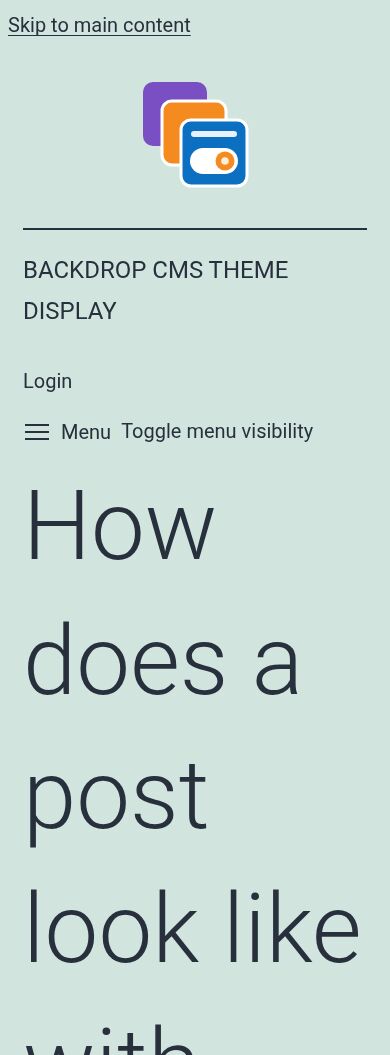
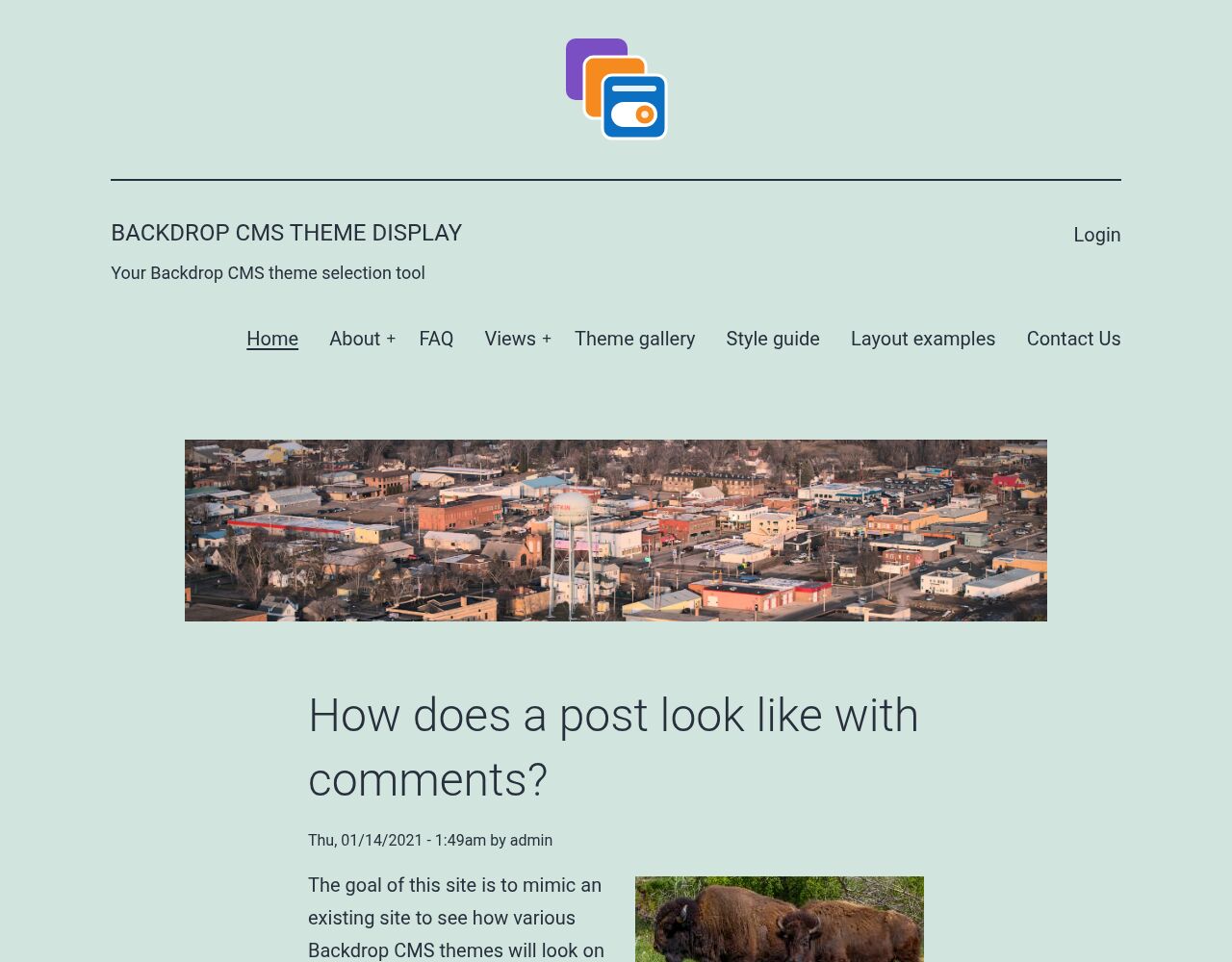
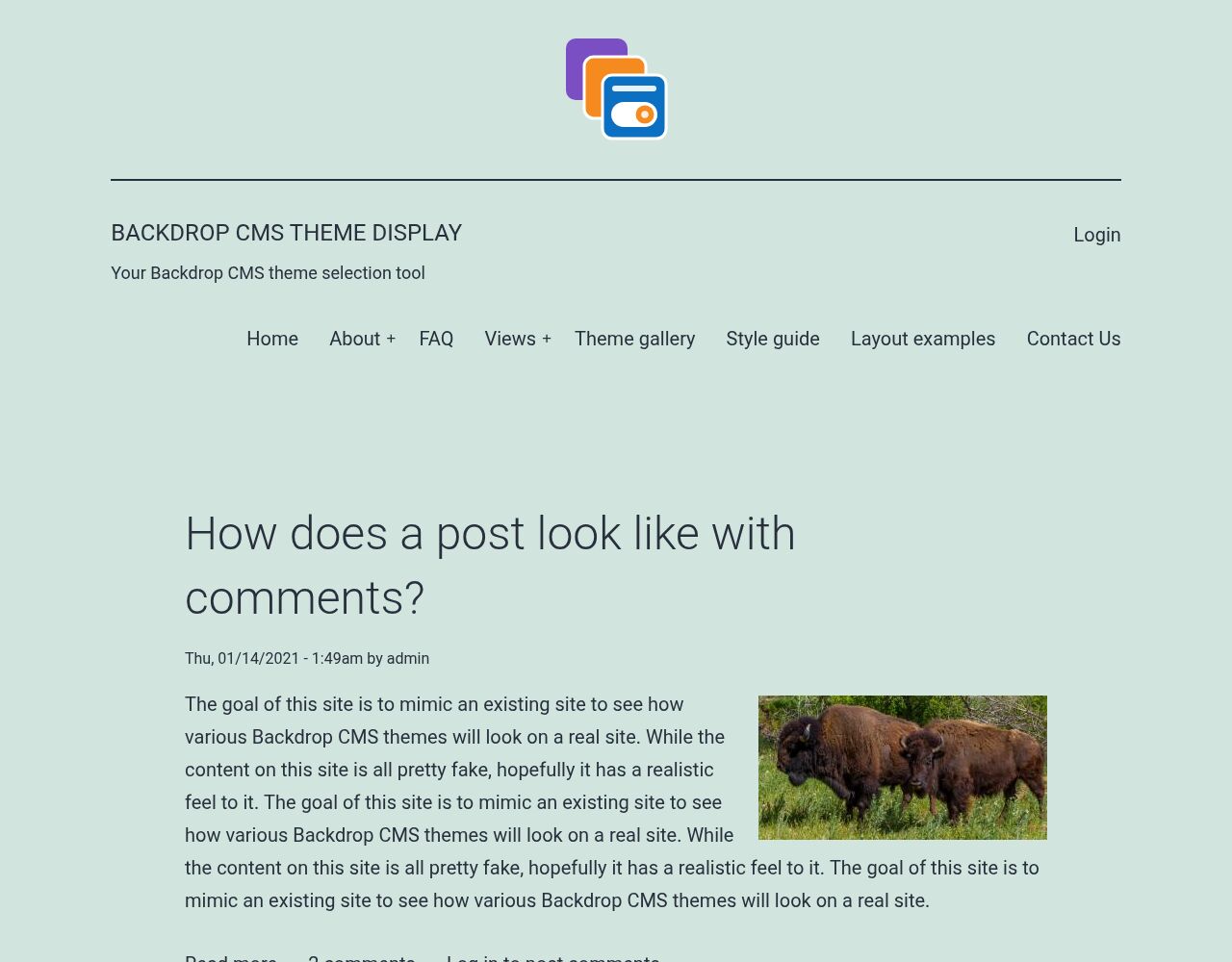
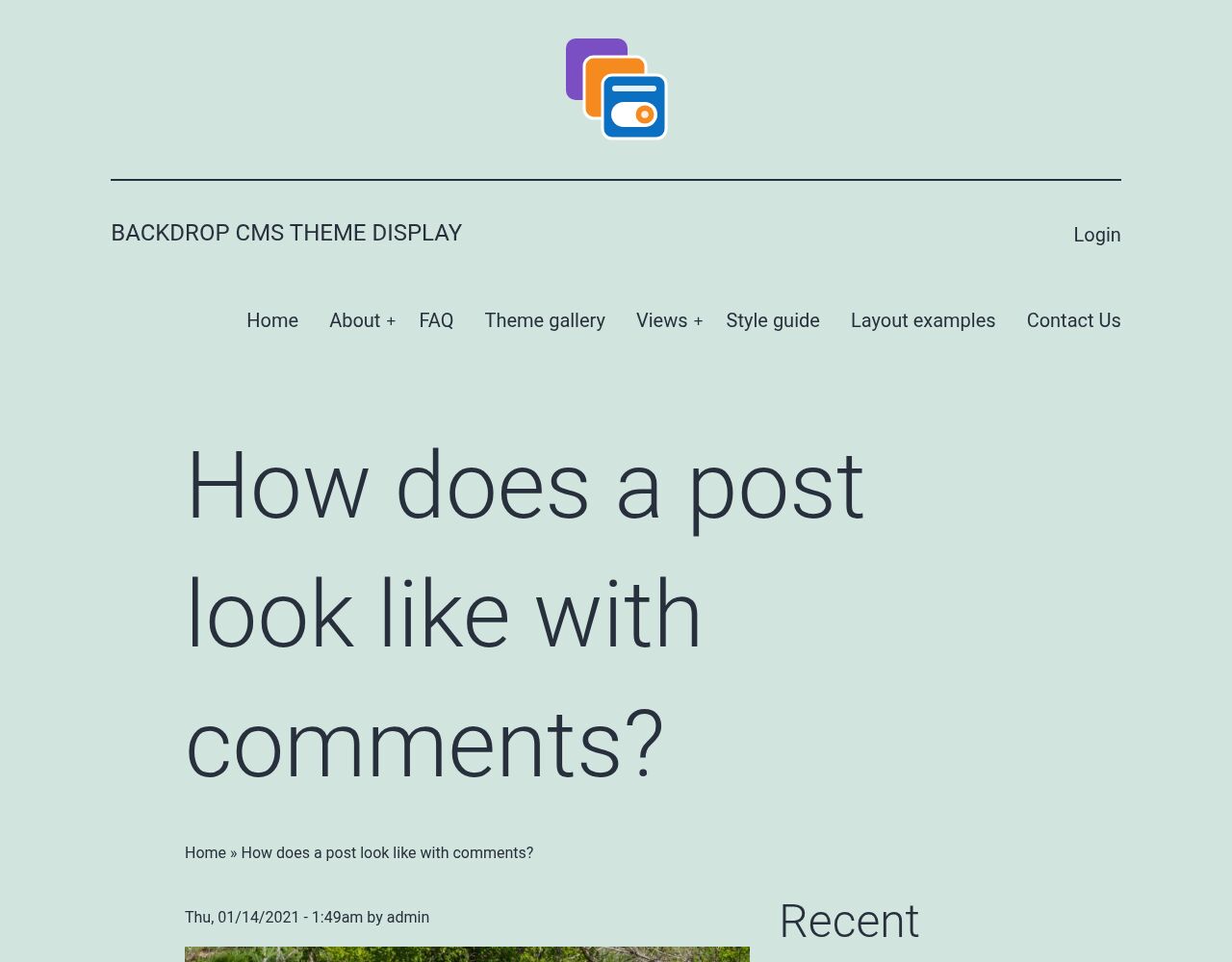
B21 is a minimalistic pastel-colored theme with basic Color module support, inspired by the look and feel of the WordPress theme Twenty Twenty-One.
Installation
- Install the theme using the official Backdrop CMS instructions at https://docs.backdropcms.org/documentation/skin-with-themes.
- Visit the Appearence page under Administration > Appearence (admin/appearance) to activate the theme.
Configuration
- Navigate to Administration > Appearence > B21 settings (admin/appearance/b21/settings) to switch the Color scheme.
Good to know
- On wider screens, B21 overwrites Backdrop's core layouts Moscone and Moscone Flipped to display the sidebar one-third wide instead of only 25%.
- If you have many items in the Primary navigation dropdown menu, on medium wide screens there may not be enough space to see all items.
Overriding CSS and sub-theming
To override the CSS styles of B21, or to build a sub-theme of the theme, please refer to the following resources.
- Sub-theme documentation: https://docs.backdropcms.org/documentation/creating-sub-themes
- CSS Injector module: https://backdropcms.org/project/css_injector CSS Injector allows you to add CSS to Backdrop based on configurable rules. The module is useful for adding simple CSS tweaks to your themes.
Issues
Please report bugs, feature requests and other feedback in the issue queue: https://github.com/backdrop-contrib/b21/issues
Current Maintainers
Credits
- Written for Backdrop CMS by Olaf Grabienski.
- Inspired by the Twenty Twenty-One theme for WordPress.
License
This project is GPL v2 software. See the LICENSE.txt file in this directory for complete text.
Desktop screenshots:
Phone screenshots: